 LandscaperG
Lawn maintenance
Routine mowing, edging, and trimming to keep your property looking sharp through the growing season.
Request lawn maintenanceFamily-owned landscaping in the Dayton area. From routine lawn maintenance to custom landscape design and seasonal cleanups.
Routine mowing, edging, and trimming to keep your property looking sharp through the growing season.
Request lawn maintenancePlan a new outdoor space from concept to installation, including plantings, landscape lighting, and hardscapes.
Discuss your designGet ready for the next season with fall leaf removal, spring debris cleanup, or winter snow removal.
Request a cleanupA look at the lawns, landscapes, and seasonal work featured on the company website.
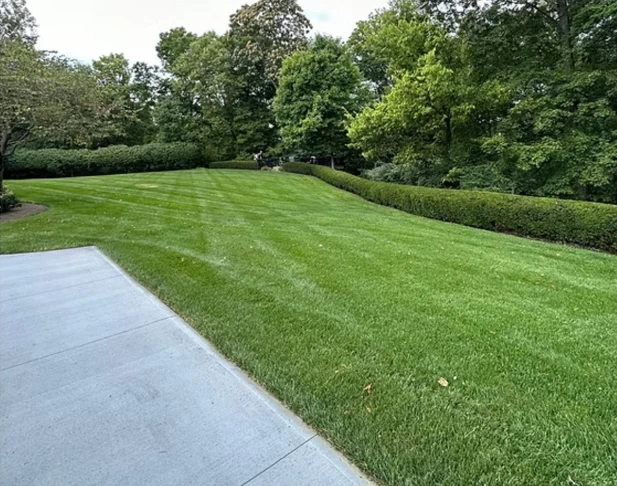
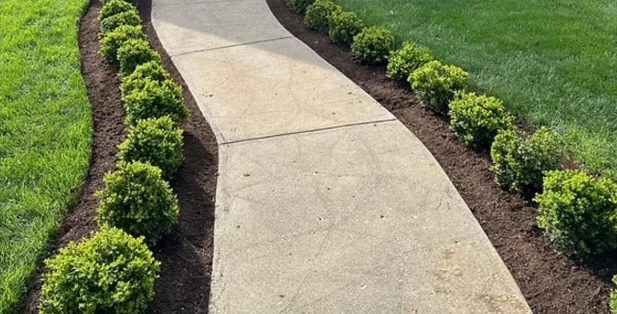
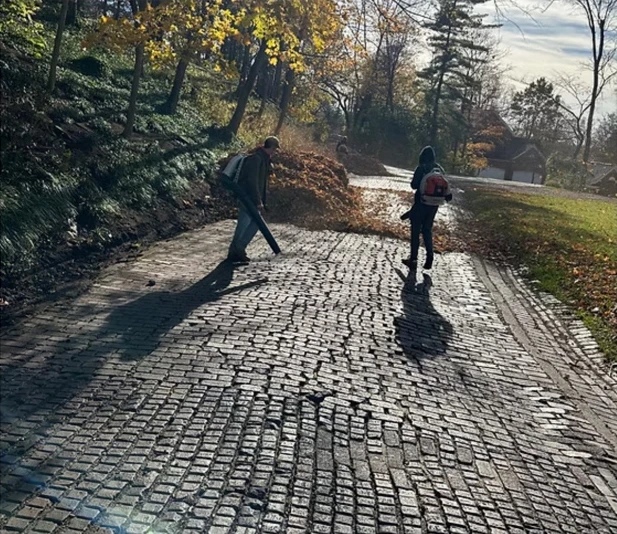
Michael Gallenstein, a Kettering native, started Gallenstein’s Landscaping in 2016. He works alongside his brother Jack and their crew to care for properties across the Dayton area.

The crew. The clients. The curveballs. Follow along with real workdays in Dayton.
Find @LandscaperG on Facebook
Choose a service and share your address, project details, and any photos that help explain the work.
Open your job link to see the scope and price. Approve it there when you’re ready to schedule.
Check your arrival window from the same link. If the visit moves, the updated date is there too.
Have a question about your property? Add it to your quote request.
Ask about your projectGallenstein’s Landscaping serves the Dayton area. Include your property address in the quote request so service availability can be confirmed.
Share the property address, the work you have in mind, and details like gate access, steep slopes, or areas you want left alone. Wide photos plus a few close-ups help describe the job.
Yes. Select Lawn maintenance and include how often you’d like service so the schedule can be discussed with your quote.
Pricing depends on the size of the property, the scope, and any materials. Your estimate lays out what’s included so you can review it before approving the work.
If a visit needs to move, the updated date and arrival window can be sent by text and shown on your job link.
Your customer job link keeps those details together so you can refer back to them as the work progresses.
Start with an address and a few details. In this demo, your request appears in the owner dashboard.
Demo workspace · Messages and payments are simulated
Interactive demo · Text and email previews
Follow a request from the website through the owner dashboard, customer texts, crew handoff and review.
Try the owner dashboard